
Timestamp Camera EnterprisePro
Description
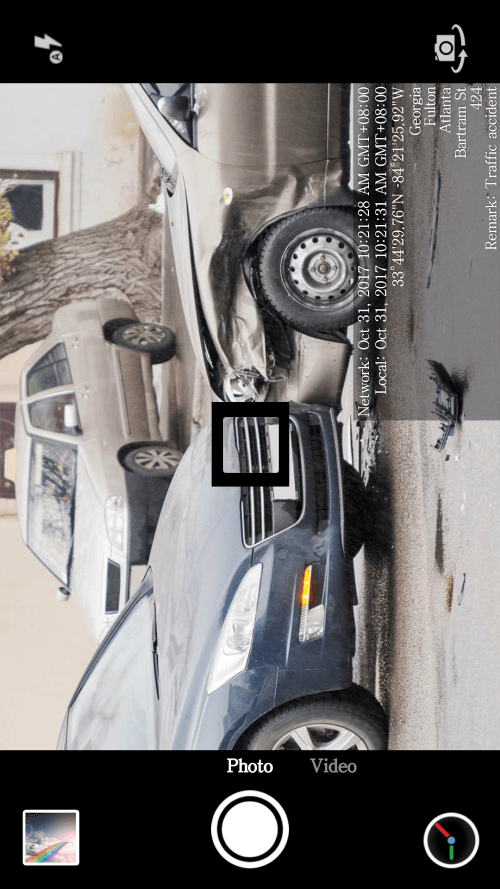
Using the Timestamp Camera EnterprisePro app, you can seamlessly embed a precise date, time, location, and GPS watermark onto your photos and videos. This app is particularly useful for users who wish to document detailed information about their location, time, and media files. Even if you adjust the time on your mobile device, the watermark applied by this app will remain accurate.
 |
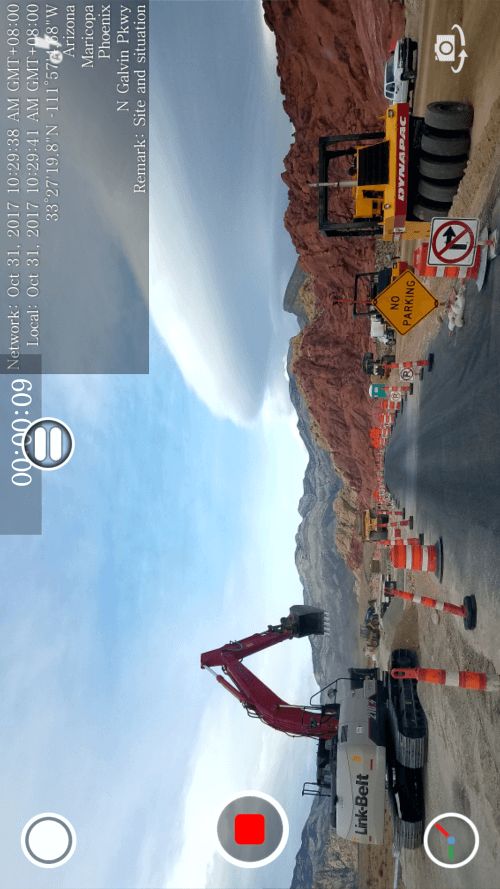 |
THIS APP PROVIDES ACCURATE TIME AND LOCATION DATA ACROSS VARIOUS SETTINGS
The app offers numerous applications, such as documenting accident scenes and construction sites, trading goods, conducting private investigations, and tracking borrowed items. Timestamp Camera EnterprisePro is ideal for preserving time and location details in your media files.
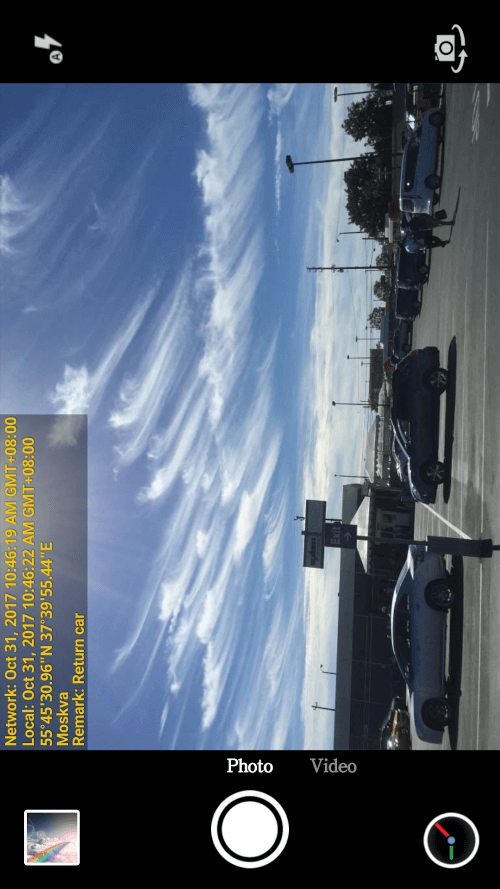
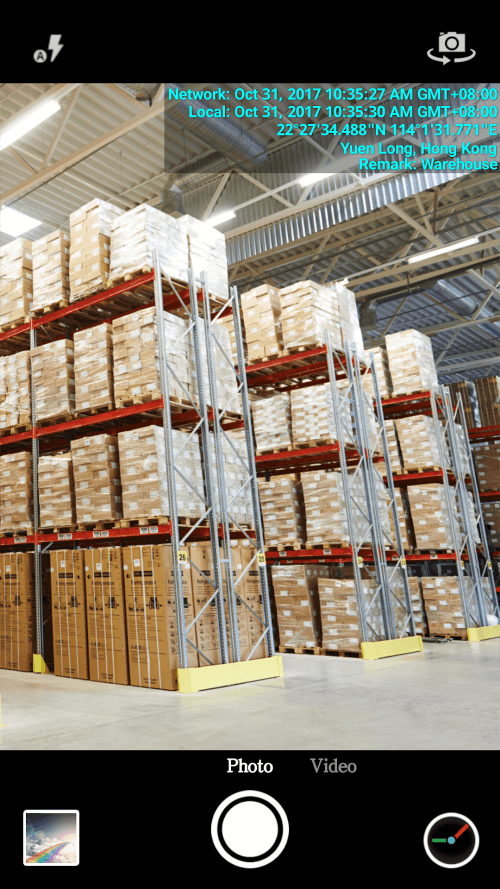
WATERMARK CUSTOMIZATION OPTIONS FOR VIDEOS AND PHOTOS
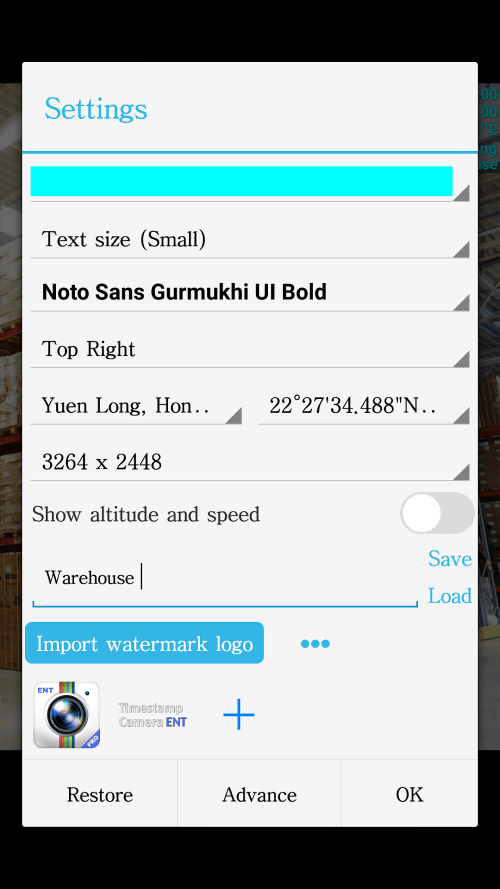
The app's watermark feature allows users to personalize their photos and videos. With this feature, users can add the current date, time, location, and GPS coordinates as a watermark. The app also allows customization of the font, font color, font size, and opacity of the text and background. Users can choose to place the watermark in one of seven locations: the top left corner, top center, top right corner, bottom left corner, bottom center, or middle.
 |
 |
BOOST BRAND RECOGNITION BY IMPORTING A LOGO
Users can import a company logo into the app, which will be displayed on the camera. The app supports adjustments for the logo's placement, size, margins, and transparency. By adding their company logo to their media files, users can enhance brand recognition.
CONFIGURE RECORDING SETTINGS, SUCH AS VIDEO RESOLUTION AND POWER-SAVING MODE
The app allows users to adjust video resolution and includes a mode to conserve battery life by displaying a blank screen. Users can record videos without audio and combine multiple clips into one file. The app also supports switching between front and back cameras while recording. Users can choose between portrait or landscape modes to suit their needs.
 |
Mod FeaturesFull Version
App Information
Installation Guide
Available Versionsv1.237 - Full Version
Timestamp Camera EnterprisePro · 8 MB
Full Version
Similar Apps You Might Like
Cool Mi Camera
Cool Launcher App Team · v6.4

PicTrick
Champignon Labs · v22.07.29.15

Pixtica: Camera and Editor
Perraco Labs · v2023.6

PhotoGrid
· v9.13

AI Photo Editor - PhotoArt
Magic Photo Collage & Photo Editor - CollageArt · v1.8.31

FILROLL - Vintage Film Camera
ssolstice · v1.1.0

Background Changer, Remove BG
Eco Mobile Editor · v1.1.1

Photaf Panorama
Bengigi · v5.0.2

Cuji Cam
N Dev Team · v5.6

DripArt
Lyrebird Studio · v3.0.0

Art Filter Sketch
Lyrebird Studio · v4.0.0

Pixlab
Lyrebird Studio · v3.0.0
Timestamp Camera EnterprisePro
v1.237 · 8 MB
Full Version
v1.237 - Full Version
8 MB · APK
Download APK
Safety Verified
Scanned before publication
No malware detected
No root required
What's Unlocked
Full Version
|