
Smart DNS Changer Pro
Description
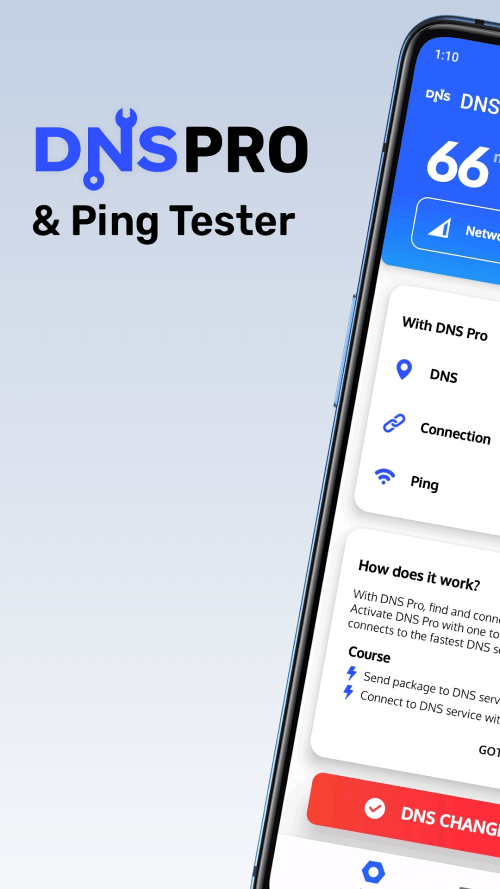
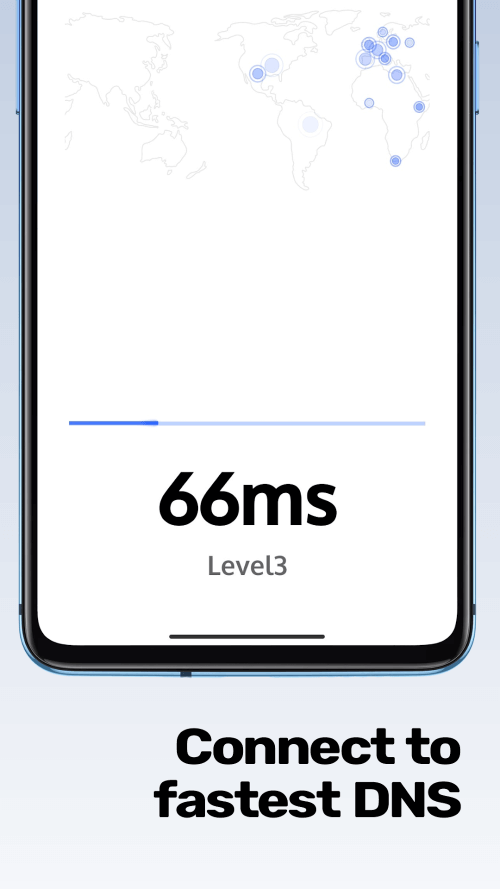
Internet Optimizer is a unique Android application designed to alter DNS settings efficiently. This innovative app swiftly assesses various DNS servers and connects to the fastest one available. By utilizing real-time latency data in milliseconds, Internet Optimizer tests and ranks DNS servers based on performance. The main goal of this app is to simplify the process for users to establish the quickest DNS connection possible.
SWIFTLY SWITCHING INTERNET SERVICE PROVIDER AND DOMAIN NAME SERVER
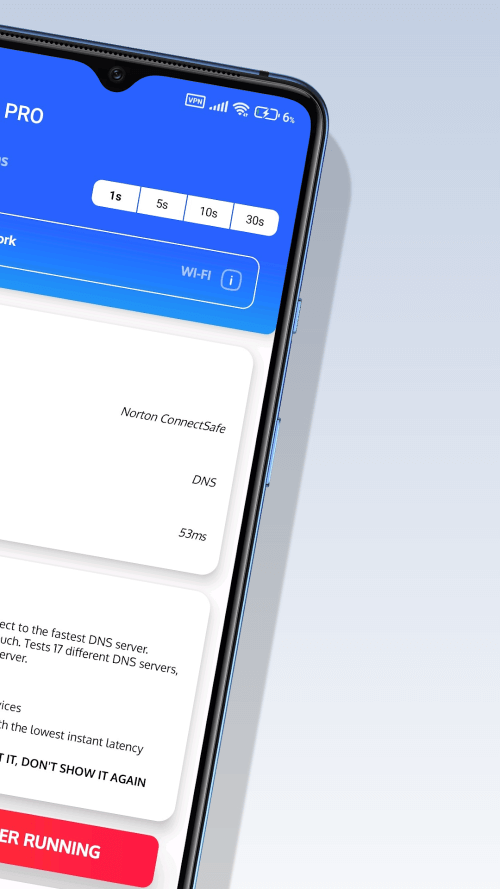
Internet Optimizer starts by analyzing the network status to identify if it is a Wi-Fi, Mobile Network, 2G, 3G, 4G, or 5G connection. It then calculates the average ping time for the connection and conducts 17 different DNS service tests based on these results. DNS servers are ranked according to their ping times, and the fastest server is selected for the connection request. At this stage, users may need to grant VPN access. After establishing the DNS connection, the main interface updates with details of the connected DNS server, ping time, and network type.
 |
 |
PING MONITOR: AN ESSENTIAL TOOL FOR GAMERS
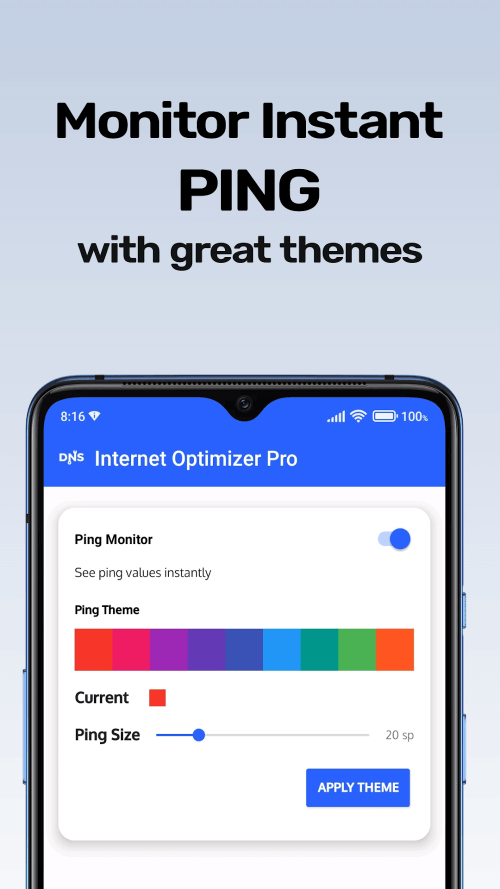
The Ping Monitor is a valuable feature that shows the user's current ping time discreetly on the screen in real-time. Online gamers can significantly benefit from this app as it provides crucial information about potential lag or delays during gameplay. The Ping Monitor uses ping time for its latency calculations and is compatible with any network configuration. This feature must be activated and connected to the internet to function effectively.
REQUIRED AUTHORIZATIONS FOR DNS CHANGES AND ICMP MONITORING
Internet Optimizer requires specific access to perform DNS operations such as calculating ping times and identifying network types. Additionally, the DNS switcher needs supplementary services to operate seamlessly in the background. For the Ping Monitor to function correctly, it requires permission to display on other screens and a stable internet connection. By granting these permissions to Internet Optimizer, users can enhance their gaming experience with minimal hassle.
USING INTERNET OPTIMIZER TO ENHANCE YOUR GAMING EXPERIENCE
Internet Optimizer offers a comprehensive solution to improve your Android gaming experience, going beyond just being a DNS changer tool. With its adaptable DNS-changing capabilities, efficient Ping Monitor, and compatibility with various network types, users can enjoy a lag-free gaming experience. Internet Optimizer eliminates the frustration of slow connections and delays in online games, allowing users to focus solely on enjoying the game and achieving high scores.
 |
 |
UNLIMITED POTENTIAL FOR YOUR ANDROID DEVICE
Mod Features
App Information
| App Name | Smart DNS Changer Pro |
| Package Name | com.scoreboot.hypnetpro |
| Version | v3.0r |
| Last Updated | Mar 26, 2026, 09:26 PM |
| File Size | 6 MB |
| Publisher | Scoteam |
| Root Required | No |
Installation Guide
- 1. Download the APK file from the download button below.
- 2. If you have the original app installed, uninstall it first.
- 3. Go to Settings > Security and enable "Install from unknown sources".
- 4. Open the downloaded APK file and tap "Install".
- 5. Launch the app and enjoy all premium features for free.
Available Versions
Similar Apps You Might Like


