
PixelArt
Description
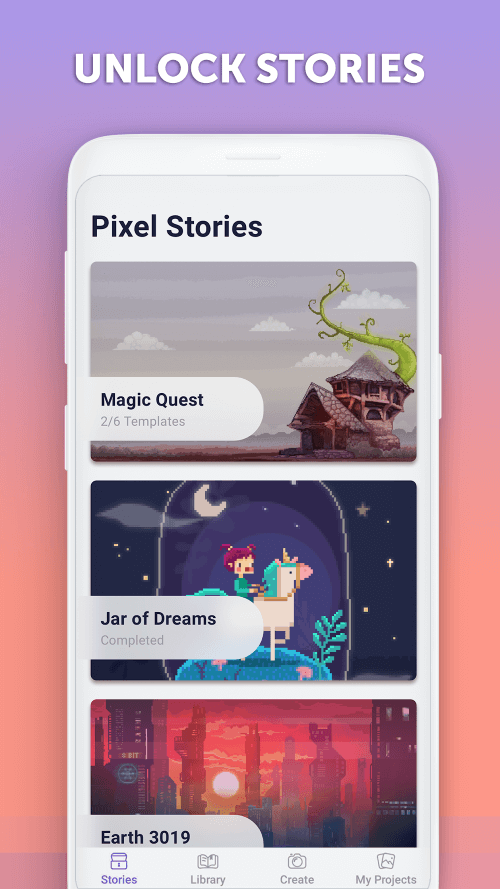
Coloring white paint has become a popular activity for many users, as the process is relaxing and offers various methods for painting with different colors. PixelArt is one of those apps, providing users with access to numerous paintings and a welcoming community to share their creations. Additionally, the app regularly updates with new paintings to give users more options to color in their leisure time.
EASY FOR CHILDREN TO RECOGNIZE AND COLOR
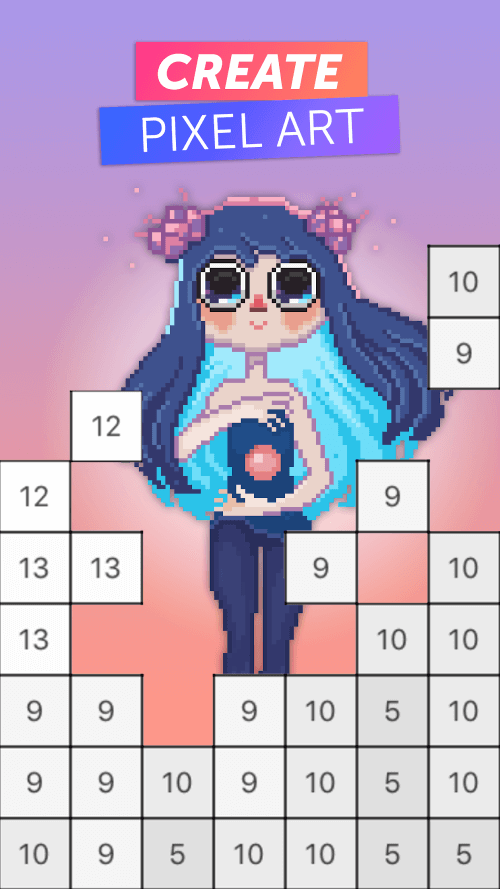
Simply tap or drag your finger across the numbers to fill in the spaces with the correct color. Have you finished rounding off the edges? PixelArt is here to help you stay within the lines of the picture. The coloring session is straightforward, making it easy for anyone to master. Users can select any color they wish for each pixel using the app's handy tools and even set up custom paints to suit their preferences.
 |
 |
LARGE COLLECTION OF PAINTINGS READY FOR COLOR
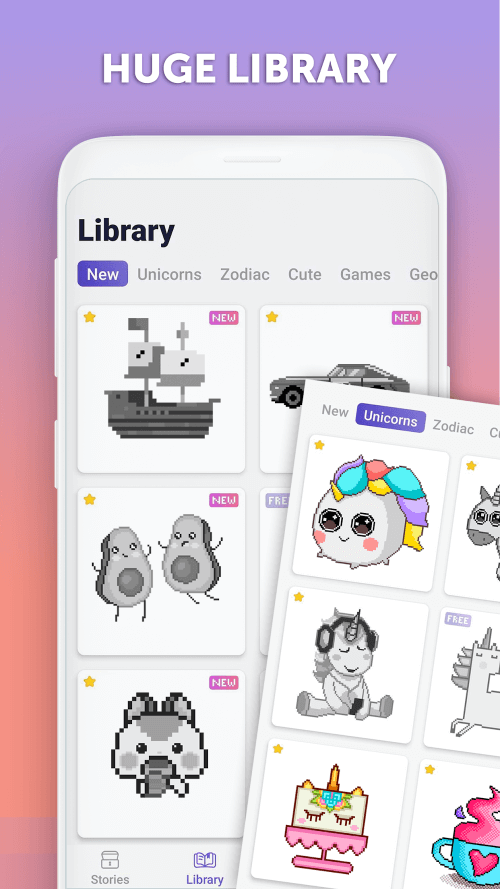
There are hundreds of coloring pages available, featuring a wide range of themes, such as animals, flowers, and seasonal objects. The collection is constantly expanding in both quantity and quality. Users can explore the library to find something they like, utilizing the app's search tool or filters to narrow down their options. They can also bookmark specific paintings for easy access and start coloring whenever they wish.
BEAUTIFUL PAINTINGS FOR ALL AGES AND FRIENDLY
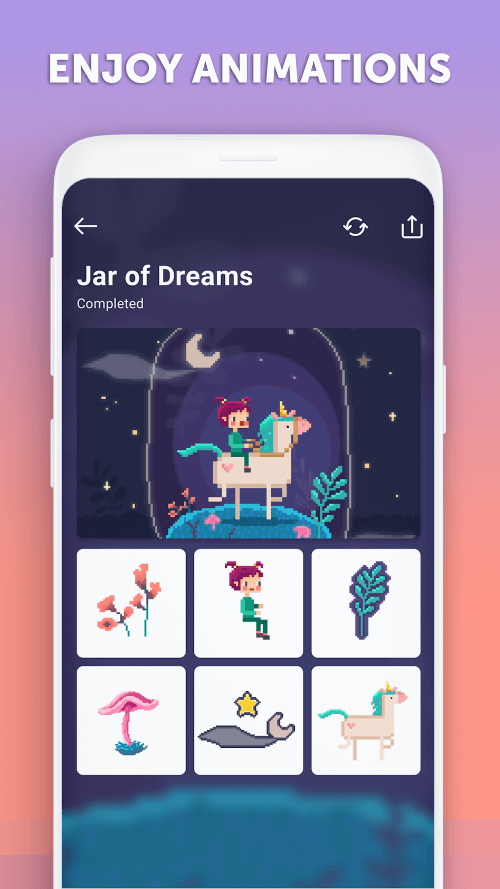
The app's main appeal is offering paintings that are enjoyable for all ages, allowing everyone to experience the joy of coloring. You and the kids can have fun coloring these pictures together, enjoying a shared experience. You can decide how much time, energy, and thought you want to invest and share these moments. Some paintings are large in size and pixels, providing ample opportunity for creative expression through color choices.
 |
 |
PIXELATE YOUR PHOTOS AND START COLORING
Do you find the provided examples insufficient? Or perhaps you have a photo you'd like to see transformed into a sandbox-style doodle. Select an image from your Gallery, and color it in using the coloring sheet you create by printing it or saving it. Use the app's built-in generator to make a pixelated version of your photo, then color it to your liking.
TRANSITIONING BETWEEN DISTINCTIVE COLORS
Finished coloring that section of the picture? A single tap is all it takes to move on to the next color when you're ready. The app ensures a smooth coloring experience with built-in color transitions, allowing users to switch colors effortlessly without needing to zoom in or out rapidly.
| App Name | PixelArt |
| Package Name | com.picsart.coloring |
| Version | v4.4.9 |
| Last Updated | Mar 27, 2026, 05:55 PM |
| File Size | 41 MB |
| Publisher | Inc., PicsArt |
| Root Required | No |
Installation Guide
- 1. Download the APK file from the download button below.
- 2. If you have the original app installed, uninstall it first.
- 3. Go to Settings > Security and enable "Install from unknown sources".
- 4. Open the downloaded APK file and tap "Install".
- 5. Launch the app and enjoy all premium features for free.
Available Versions
Similar Apps You Might Like


