
PDF Converter Pro
Description
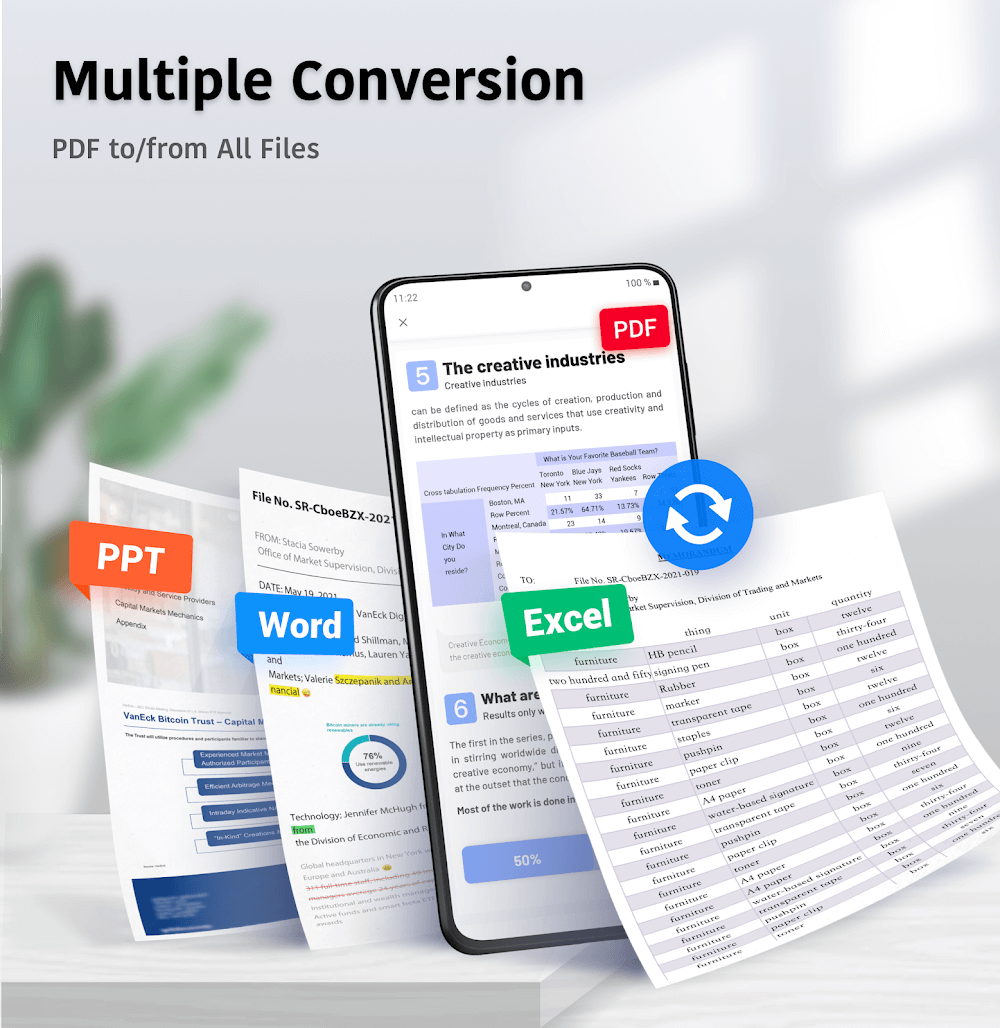
PDF files are a popular choice for sharing documents, but modifying or extracting content from them can be challenging. With PDF Converter Pro: PDF to Word, you can easily perform these tasks. This application not only supports Word, Excel, PowerPoint, and Image files but also enables conversion of PDFs to and from various other formats.
CONVERT ALL MAJOR FILE FORMATS TO AND FROM PDF
One of the key features of PDF Converter Pro is its ability to transform PDF files to and from all major file types. This is particularly useful for converting documents into PDF format or extracting text or images from PDFs. The developers are working to expand the app's file format support beyond the current Word, Excel, PowerPoint, and Image formats, making it a versatile tool for all your conversion needs.
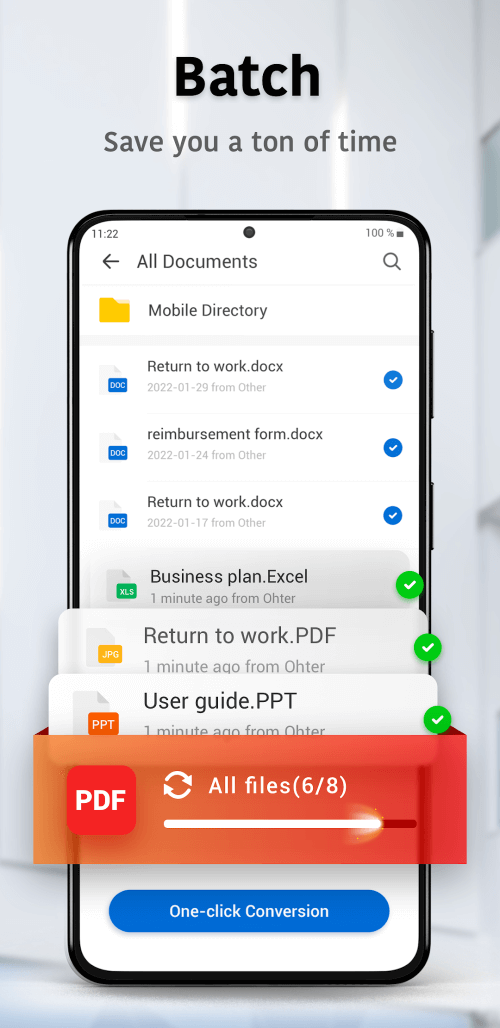
ENABLES BATCH FILE CONVERSION
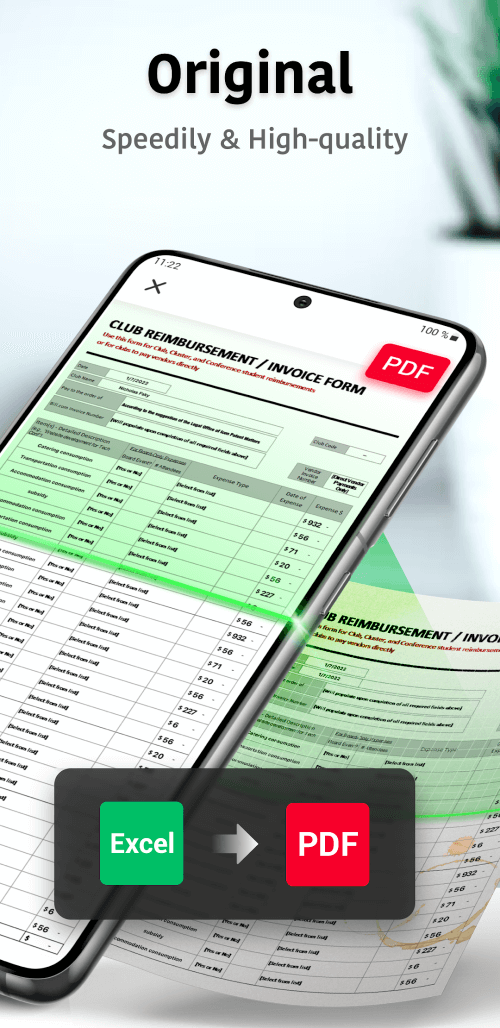
PDF Converter Pro allows you to batch-convert multiple files without compromising quality. Instead of converting files individually, you can select several files for conversion and process them all with a single click. This feature is particularly useful for projects or presentations that require converting multiple files.
 |
 |
DESIGNED TO HANDLE LARGE FILES WITHOUT ISSUE
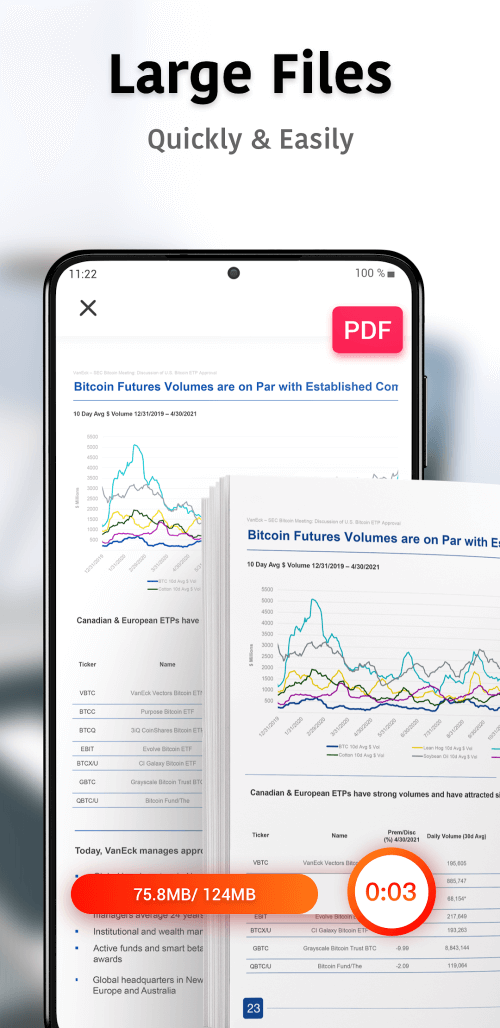
Large PDF files can pose challenges during conversion, often causing other apps to crash. PDF Converter Pro, however, is built to manage large files seamlessly. There are no input file size restrictions, so even the largest PDFs can be converted effortlessly. This makes the app a reliable tool for any conversion task, regardless of file size.
CONVERT FILES FROM ANY DEVICE AT ANY TIME
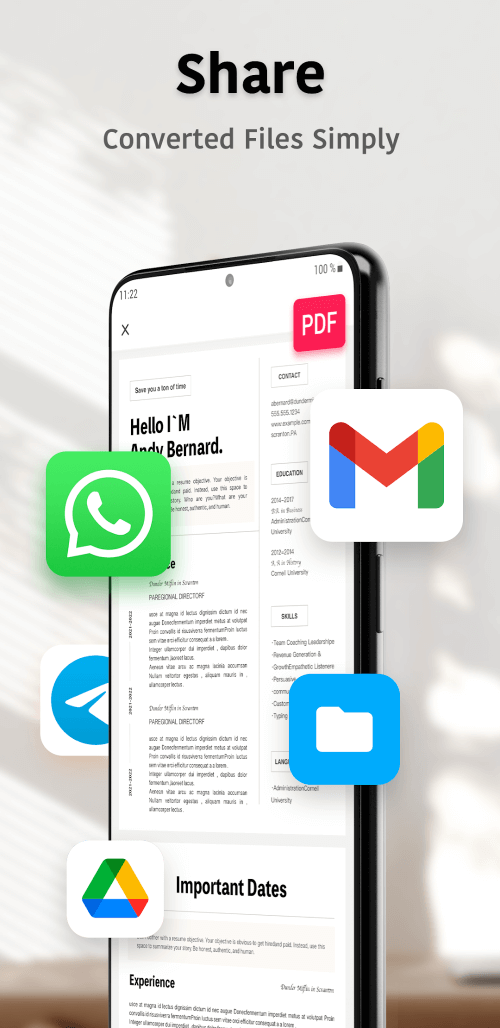
This app lets you convert files anytime, anywhere. Whether your files are stored locally on your device or in the cloud, you can access and convert them easily. This feature is perfect for those who need to convert files on the go. Integration with your workflow is simple, allowing you to share completed documents with other applications effortlessly.
 |
 |
EXTENSIVE PDF CONVERSION OPTIONS AVAILABLE
PDF Converter Pro supports a
Mod Features
App Information
| App Name | PDF Converter Pro |
| Package Name | com.kmo.pdf.converter |
| Version | v2.2.2 |
| Last Updated | Mar 30, 2026, 11:35 AM |
| File Size | 46 MB |
| Publisher | PDF Office Lab |
| Root Required | No |
Installation Guide
- 1. Download the APK file from the download button below.
- 2. If you have the original app installed, uninstall it first.
- 3. Go to Settings > Security and enable "Install from unknown sources".
- 4. Open the downloaded APK file and tap "Install".
- 5. Launch the app and enjoy all premium features for free.
Available Versions
Similar Apps You Might Like


