
OS Style Launcher
Description
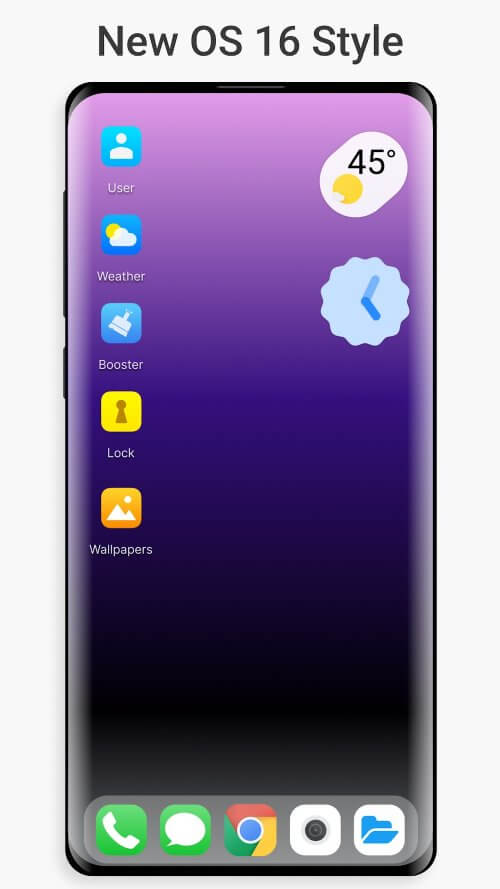
Launcher iOS 16 Style has arrived, offering an amazing new design for Android devices that will astound you. It's time to unlock your device's full potential, making it more capable, distinctive, and intelligent than ever.
UNRESTRICTED FILE ACCESS
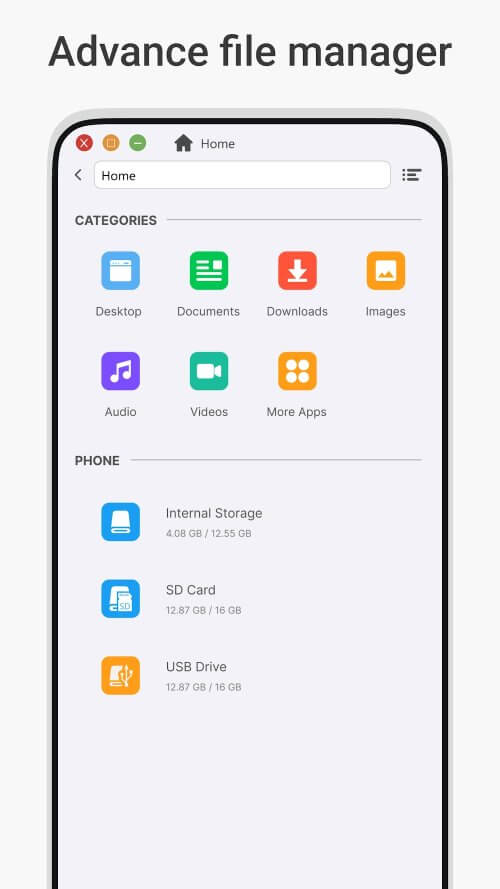
This groundbreaking launcher comes with a robust file manager that requires full access to your device's storage. Launcher iOS 16 Style integrates seamlessly with your device to manage all your files, and its backup and restore functionalities ensure your information remains safe.
 |
 |
EFFORTLESS FILE MANAGEMENT
The Launcher's intuitive desktop layout makes it easy to perform tasks such as searching, browsing, copying, deleting, and sharing files and folders. This file manager is both functional and enjoyable, featuring a built-in file explorer, listings of all your disks, SD cards, and media files in a PC-style interface, and the ability to delete and empty the Recycle Bin.
ABUNDANT SYSTEM FEATURES
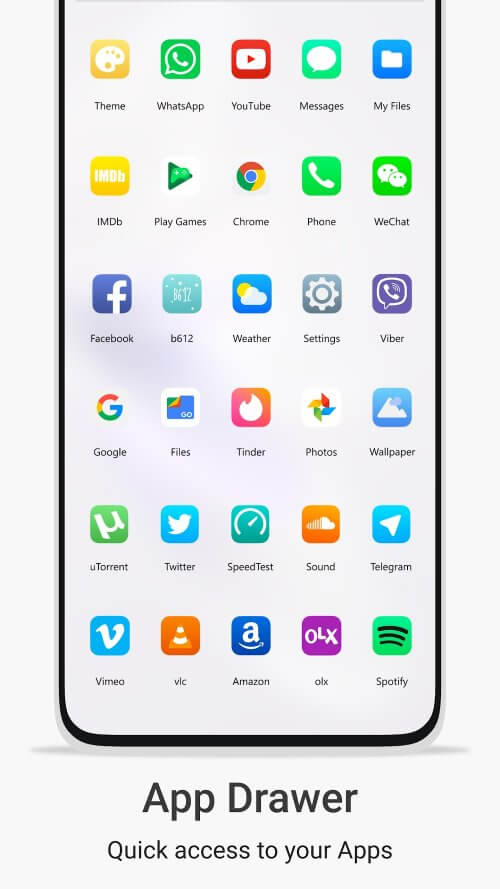
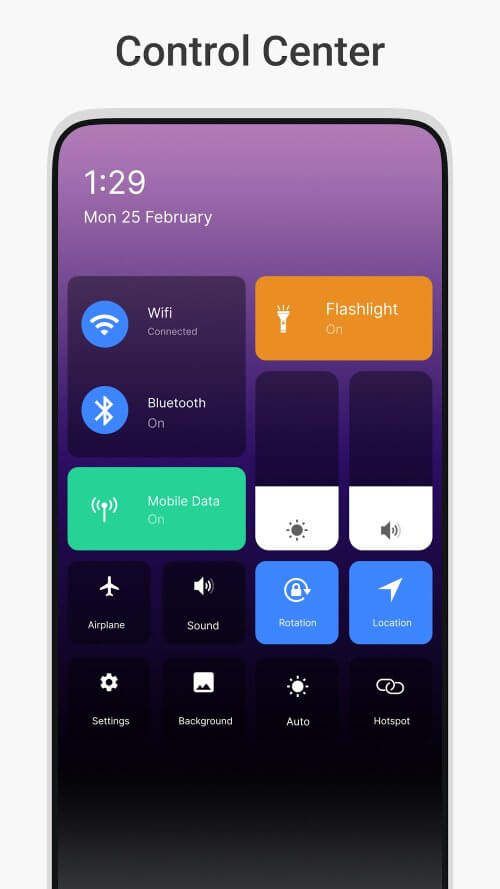
Launcher iOS 16 Style continually offers new customization options. It simplifies phone usage with a stunning Start Menu displaying tiles for installed Android apps, desktop widgets, live wallpapers, and movable taskbar icons. Enhanced theme compatibility, multitasking, and lock screen improvements add to its impressive feature set.
PERSONALIZATION WITH WIDGETS AND THEMES
Launcher iOS 16 Style offers extensive personalization options. Enjoy Android TV/Tablet compatibility, customizable themes, icon packs, and app hiding. Utilize the built-in gallery, interchangeable photo tiles, and desktop mode widgets to personalize your Start Menu, taskbar, and desktop app folders. With limitless customization possibilities, this Launcher is truly unique.
 |
 |
ENHANCED PERFORMANCE AND OPTIMIZATION
Launcher iOS 16 Style is not only visually appealing but also highly efficient. Its improved drag-and-drop functionality, multicolored taskbars and menus, and RAM information widgets offer an experience comparable to a native iOS device.
ENJOYMENT WITH ADDITIONAL FEATURES
This Launcher provides fun features like custom app shortcuts, a centralized notification hub, and widgets for weather, calendar, and favorite photos. Easily access your calendar, check the weather, and revisit cherished memories directly from your home screen.
VERSATILE LOCK SCREEN OPTIONS
Lock screen customization is another exciting feature of Launcher iOS 16 Style. Choose from various lock screen themes to personalize the first thing you see when turning on your phone or tablet. The user-friendly design makes it easy to modify the lock screen appearance
Mod Features
App Information
| App Name | OS Style Launcher |
| Package Name | com.system.launcher.ios14 |
| Version | v17.0 |
| Last Updated | Apr 28, 2026, 06:27 AM |
| File Size | 17 MB |
| Publisher | MH Apps Studio |
| Root Required | No |
Installation Guide
- 1. Download the APK file from the download button below.
- 2. If you have the original app installed, uninstall it first.
- 3. Go to Settings > Security and enable "Install from unknown sources".
- 4. Open the downloaded APK file and tap "Install".
- 5. Launch the app and enjoy all premium features for free.
Similar Apps You Might Like


