
NotifyBuddy
Description
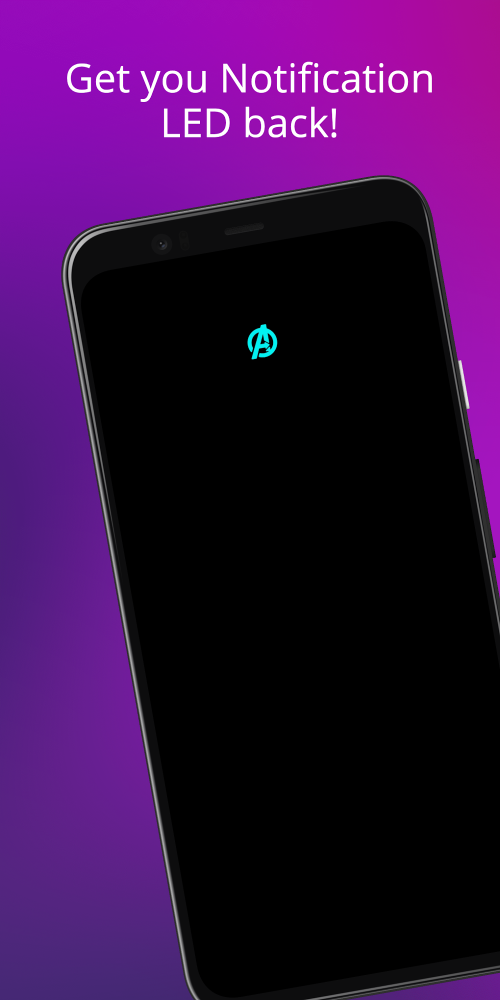
The user has the ability to modify both the operating time and color of the LEDs. This feature allows you to identify which application a notification is from based on the color of the light that appears upon arrival. Additionally, the application enables you to reposition the LED lights as you see fit. During the installation and configuration of your device's LED lights, the application also blocks annoying ads, ensuring a seamless and uninterrupted user experience.
CUSTOMIZE THE LED LIGHTING SYSTEM TO YOUR PREFERENCES.
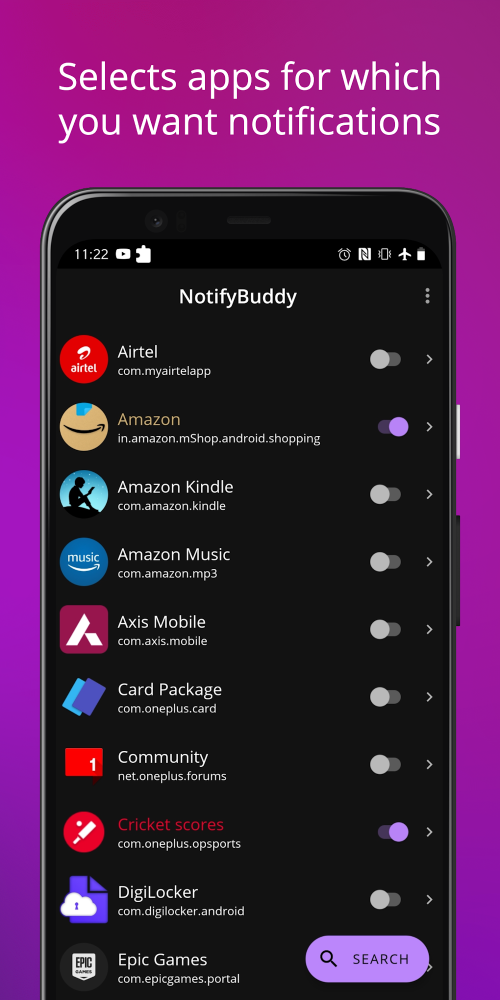
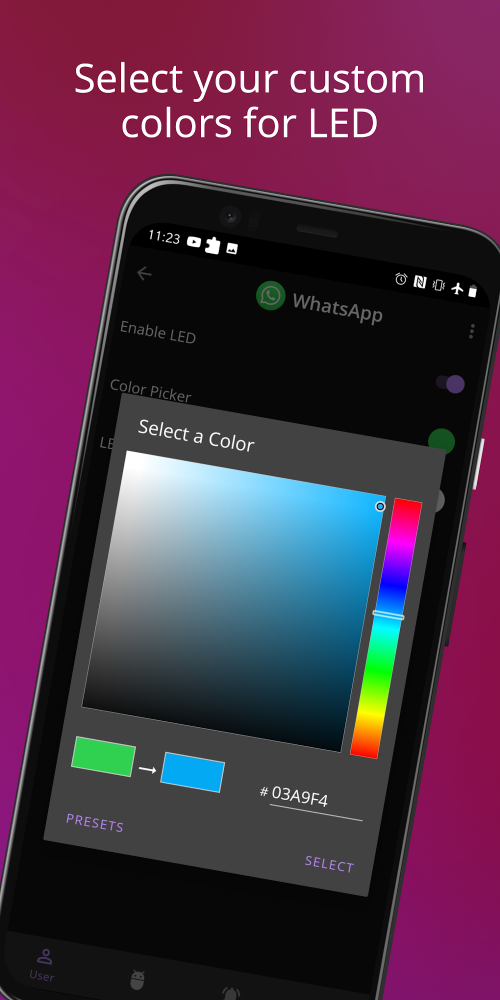
With this application, you have the freedom to personalize the LED lights according to your preferences. NotifyBuddy's additional features empower users to design their own LED lighting system, offering the flexibility to adjust the LED operating time without limitations. Furthermore, the application boasts a wide range of colors, enabling you to mix and choose the most suitable colors for your LED system. You can assign different colors to different applications on your device.
 |
 |
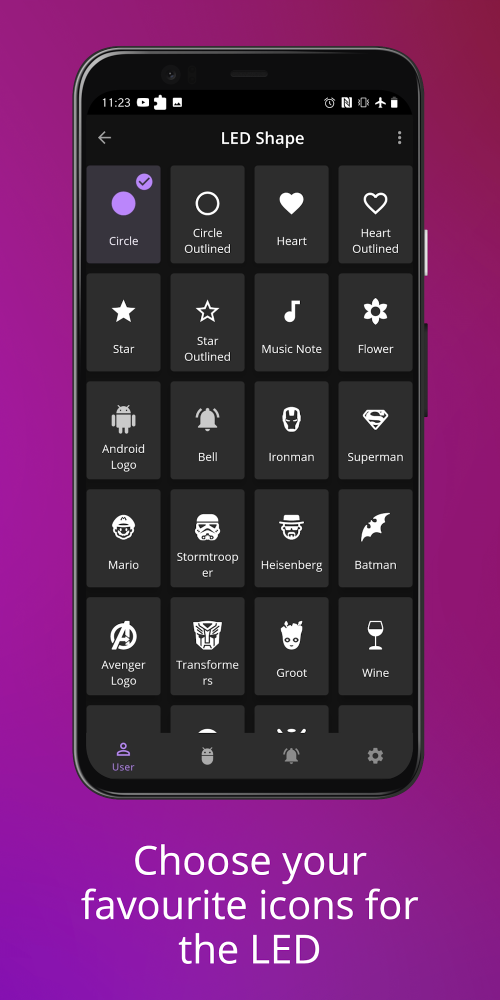
Moreover, users can choose and modify the position of the LED lights to fit their needs. To achieve the best arrangement, it is important to consider the placement of the LED lights. Users can also easily adjust the size of the LED system and alter the components of the LEDs. Consequently, the LEDs become increasingly refined and cater to the user's needs and preferences.
REFERENCE FOR NOTIFICATION APPEARANCE
You don't have to worry about devices that lack support for LED notifications. The application will create a new notification LED system for your device with a variety of colors. This system will display messages and missed calls, allowing you to identify app notifications by their color. The application integrates LED animations with each notification, ensuring that even if your device doesn't support LED lights, you still receive LED notifications.
 |
 |
The application also provides permissions to help you access notifications. It allows you to disable the display of the surrounding environment and optimizes activities to conserve battery power. Additionally, the application supports ad blocking, ensuring the best user experience.
SIMPLE TO USE AND SUITABLE FOR EVERYONE
Users can enjoy an eye-catching and appealing interface with a unique design. The application has no age restrictions and supports various devices, making NotifyBuddy available for free download and use. Users can create LED notifications with advanced features, which are easy to use thanks to the application's detailed instructions. The colorful LED lights make it easier to identify notifications.
Mod FeaturesPremium Unlocked
App Information
Installation Guide
Available Versionsv2.21 - Mod
NotifyBuddy · 6 MB
Premium Unlocked
Similar Apps You Might Like
Indistract Minimalist Launcher
Indistractable · v1.21

Sticker Maker for WhatsApp
Sticker Maker Studio · v1.01.58.07.18

AdaptivePack
Action Launcher · v5.1

Alpha Hybrid Launcher Wallpaper, Themes
AppTech Launcher Studios Inc. · v15.5

Rigoletto - Squircle Icon Pack
GomoTheGom · v70

Diamond - Icon Pack
GomoTheGom · v70

Wallz : 8K Wallpaper - HD, 4K
Galaxy studio apps · v2.1.1

Pink Cute Hippo Theme
Funny Design Keyboard Themes · v10.1.7.0319

Zipper Lock Wallpapers Screen
FunGear inc · v2.3.6

Computer Launcher Pro
Pro Themes and Launchers · v15.4
Pix-Minimal Black/White Icons
PashaPuma Design · v8.9.Build

Crispy HD - Icon Pack
Cris87 · v4.3
NotifyBuddy
v2.21 · 6 MB
Premium Unlocked
v2.21 - Mod
6 MB · APK
Download APK
Safety Verified
Scanned before publication
No malware detected
No root required
What's Unlocked
Premium Unlocked
|