
Net Blocker
Description
PRESERVE PRIVACY, DATA USAGE, AND BATTERY LIFE BY RESTRICTING APP INTERNET ACCESS
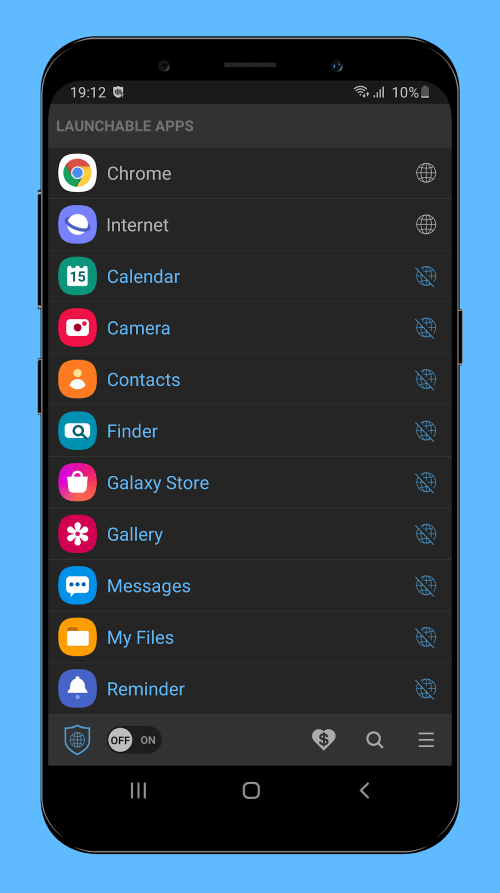
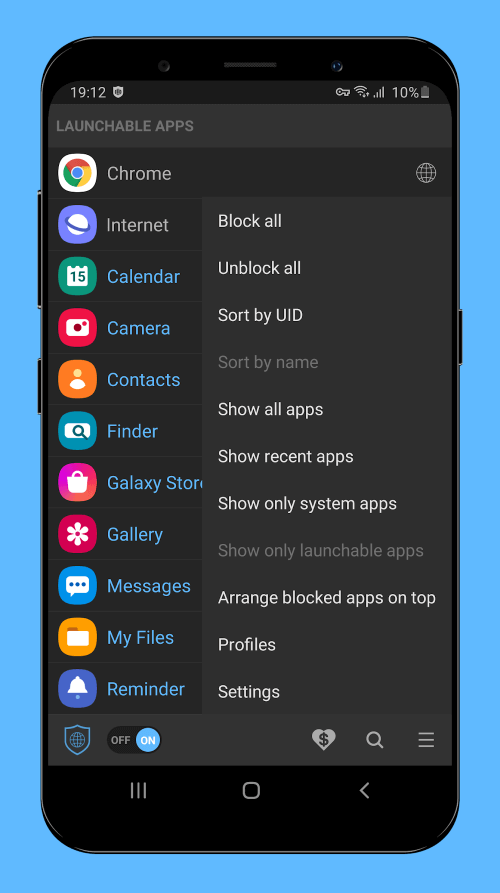
Net Blocker is an application designed to stop specific apps from accessing the internet without needing root access, making it ideal for those concerned about privacy, data usage, or battery life. Many apps and games connect online to display advertisements or collect personal information. Even after closing the app, some background processes may remain connected to the internet. By blocking apps from accessing the internet, you can save data, protect privacy, and extend battery life. Here, we'll explore the best features of Net Blocker.
 |
 |
TRUSTWORTHY APP THAT DOES NOT INVADE YOUR PERSONAL SPACE
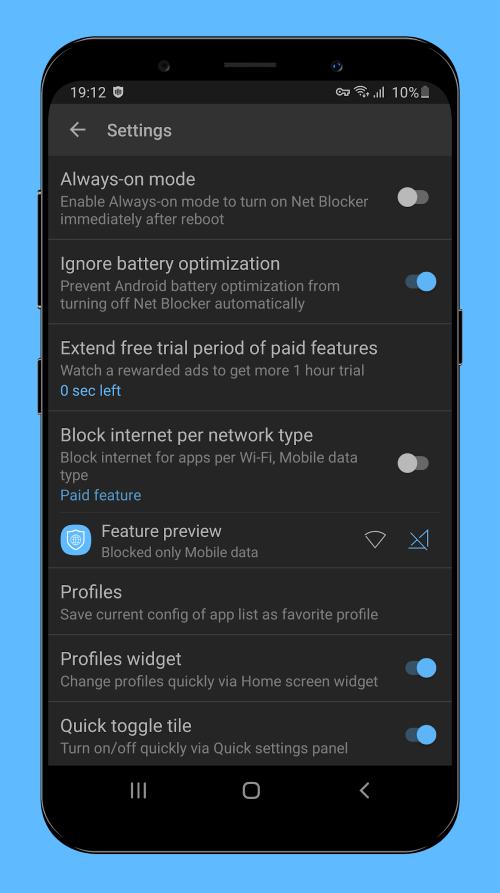
Net Blocker is safe and easy to use. It doesn't require root access for installation, nor does it request any potentially invasive permissions related to your device's data storage, contacts, or messages. Therefore, you can trust that it doesn't transmit any personal data to third-party servers. Its sole function is to set up a local VPN interface to limit app network traffic, making it a reliable tool that respects your personal space.
PREVENT APPS FROM ACCESSING THE INTERNET WITHOUT ROOTING YOUR DEVICE
Rooting an Android device can be complex and may void your warranty. Net Blocker allows you to block apps from accessing the internet without rooting your device. It's a simple and efficient way to restrict internet access for specific apps without compromising your smartphone's integrity. As mentioned, Net Blocker doesn't require permissions like Location, Contacts, SMS, or Storage, ensuring your privacy remains intact. It achieves this by establishing a local VPN interface to block traffic.
COMPATIBLE WITH ANDROID 5.1 AND LATER AND CAN BE USED ON A WIDE VARIETY OF DEVICES
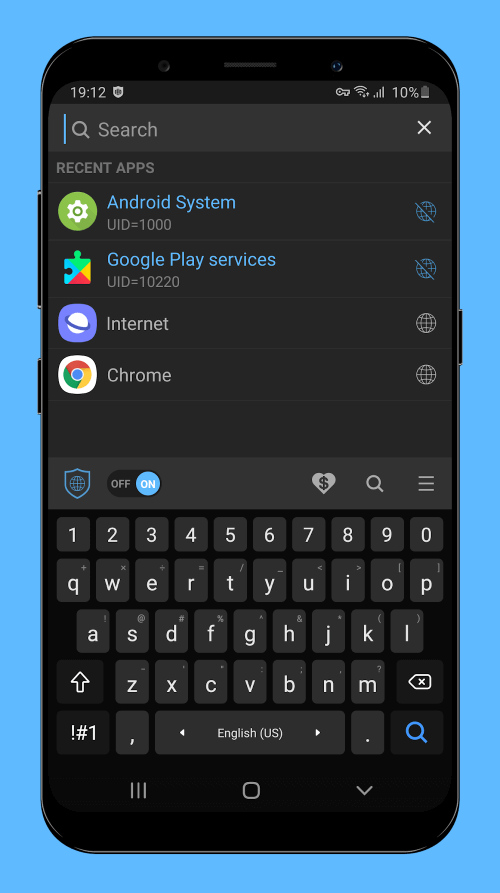
Net Blocker is compatible with Android 5.1 and later, making it usable on a wide range of devices. Whether you have a new or old Android smartphone, Net Blocker can restrict internet access for selected apps. It's a versatile tool that aids in preserving battery life, privacy, and data. While apps and games may still load ads from local storage even when offline, clearing the cache is necessary to fully hide ads. Though time-consuming, clearing cache memory is essential for maintaining privacy and avoiding unwanted advertisements.
 |
 |
SAFE AND SIMPLE TOOL THAT CAN HELP CONSERVE BATTERY LIFE, DATA, AND PRIVACY
Net Blocker is a safe and straightforward tool for preventing specific apps from accessing the internet without needing root access. It ensures safety by not requiring access to your location, contacts
Mod Features
App Information
| App Name | Net Blocker |
| Package Name | dev.tuantv.android.netblocker |
| Version | v1.8.2 |
| Last Updated | Apr 28, 2026, 09:23 AM |
| File Size | 6 MB |
| Publisher | The Simple Apps |
| Root Required | No |
Installation Guide
- 1. Download the APK file from the download button below.
- 2. If you have the original app installed, uninstall it first.
- 3. Go to Settings > Security and enable "Install from unknown sources".
- 4. Open the downloaded APK file and tap "Install".
- 5. Launch the app and enjoy all premium features for free.
Similar Apps You Might Like


