
My OldBoy! - GBC Emulator
Description
My OldBoy! distinguishes itself among a multitude of apps by being a premier, high-speed emulator that enables users to play Game Boy and Game Boy Color games across a wide array of Android devices. This app excels at emulating the original hardware, from budget smartphones to high-end tablets. It also offers exciting features like a link cable, rumble, and tilt sensor, along with its primary functions. What's more? The game's custom palette feature allows you to inject color into traditionally monochrome games.
RISING ABOVE MERE HARDWARE EMULATION
My OldBoy! transcends being a mere replica of actual hardware. It employs an advanced save state system that lets players save their progress at any moment, allowing them to resume their journey seamlessly. Users eager to skip to their favorite parts of the game will appreciate the app's fast-forward feature.
EMULATION PERFORMANCE, COMPATIBILITY, AND BATTERY EFFICIENCY
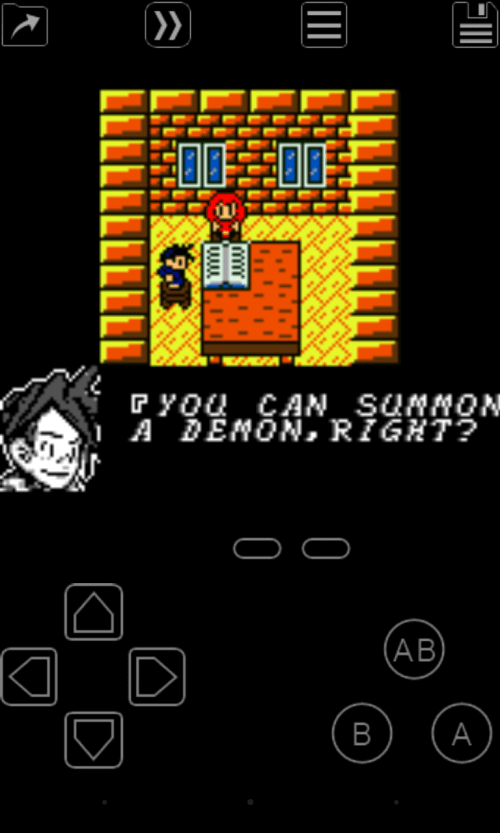
My OldBoy! is the Usain Bolt of emulators, consistently achieving 60 FPS without frame skipping, even on basic devices, thanks to the fastest emulation delivered through ARM assembly code. Its compatibility with a wide range of games is a significant advantage. The device's standout feature is its battery-efficient design, ensuring your gaming marathon doesn't turn into a power dash.
 |
|
ADVANCED FEATURES: LINK CABLE EMULATION AND MORE
Rather than resting on its laurels, the app supports link cable emulation via Bluetooth or Wi-Fi between devices, maintaining satisfactory transfer rates. Tilt sensor and rumble emulation using your Android's hardware sensors and vibrator further enrich the gaming experience. Game Boy Camera and Printer emulation, Super Game Boy palettes to brighten your games, and the ability to enter multi-lined GameShark/GameGenie cheat codes on the fly are additional ways this app goes above and beyond to impress.
USER-FRIENDLY INTERFACE AND CUSTOMIZATION
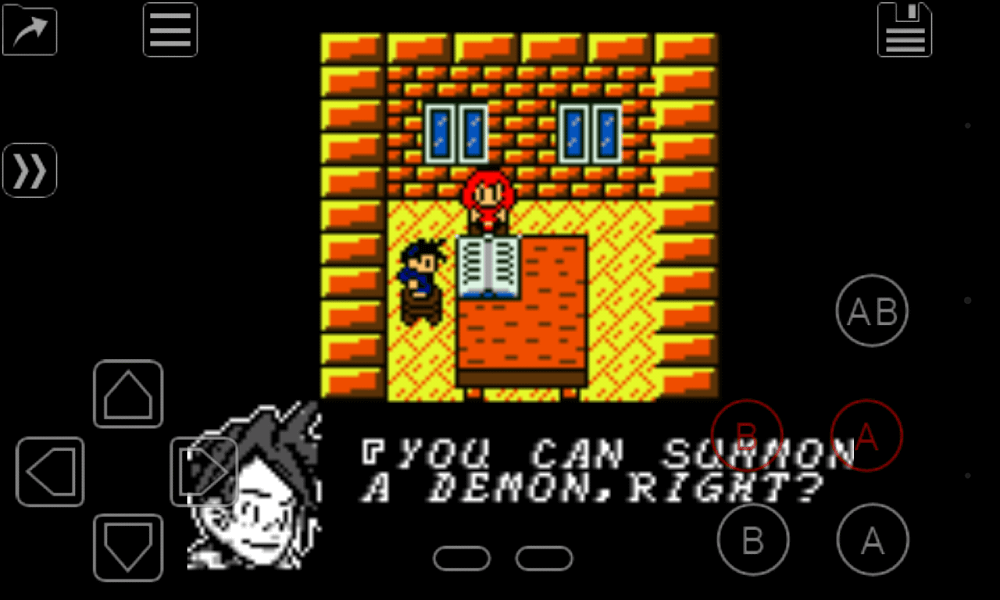
My OldBoy!'s exceptional performance features are complemented by its user-friendly interface, fully compatible with the latest Android version. The robust screen layout editor allows players to adjust the placement and size of in-game elements and video. This app is the ultimate emulator, featuring support for external controllers, customizable screen layouts and key mapping profiles, creating shortcuts for launching games, and cloud saving via Google Drive.
Remember, you need to legally obtain games separately from this app. Let's take My OldBoy for a nostalgic journey and elevate our gaming experience. Regularly charge your device to avoid being caught off guard by the battery efficiency feature. Enjoy, gamers!
Mod Features
App Information
| App Name | My OldBoy! - GBC Emulator |
| Package Name | com.fastemulator.gbc |
| Version | v2.0.2 |
| Last Updated | Mar 25, 2026, 02:10 PM |
| File Size | 10 MB |
| Publisher | Fast Emulator |
| Root Required | No |
Installation Guide
- 1. Download the APK file from the download button below.
- 2. If you have the original app installed, uninstall it first.
- 3. Go to Settings > Security and enable "Install from unknown sources".
- 4. Open the downloaded APK file and tap "Install".
- 5. Launch the app and enjoy all premium features for free.
Available Versions
Similar Apps You Might Like


