
ID Photo
Description
ID Photo is designed to help you create unique ID photos for a variety of uses. This advanced camera app can produce ID photos for essential documents like identity cards, driver's licenses, and passports. The app offers a range of ratios and relevant details, ensuring that your photo can serve as an official document. Additionally, you can modify your photos using the app's distinctive editing and cropping features.
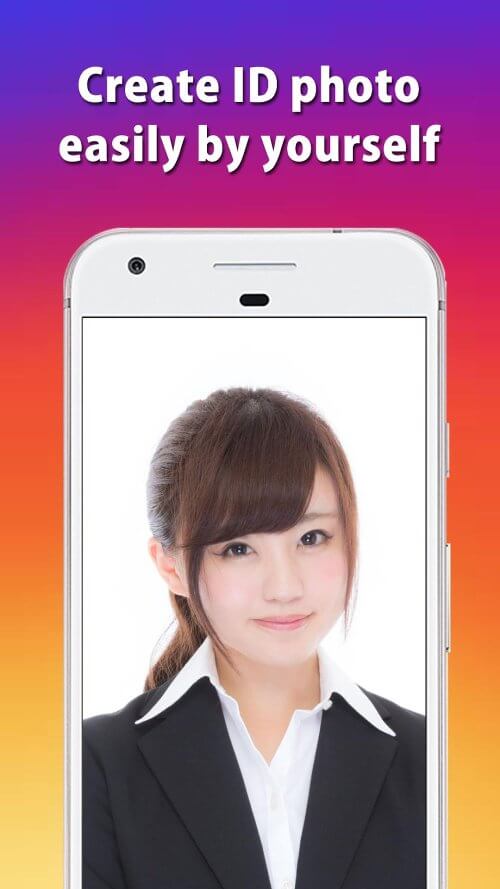
CAPTURE MULTIPLE ID PHOTOS
Contemporary users seek an app that enables them to take modern ID photos. With technological advancements, users prefer not to go to photo studios to get undesirable ID photos. ID Photo offers a solution, allowing you to pose or choose a striking shooting style. The app also provides templates to guide you in capturing the best photos.
Once you've chosen a type of ID photography, the app lets you make selections. You can use the mode to design your background, opting for either a white or blue backdrop depending on the document's requirements. Moreover, alignment mode is vital, and the app features an impressive voice control system. Users should sit in a well-lit area and follow instructions to properly align for the ID photo.
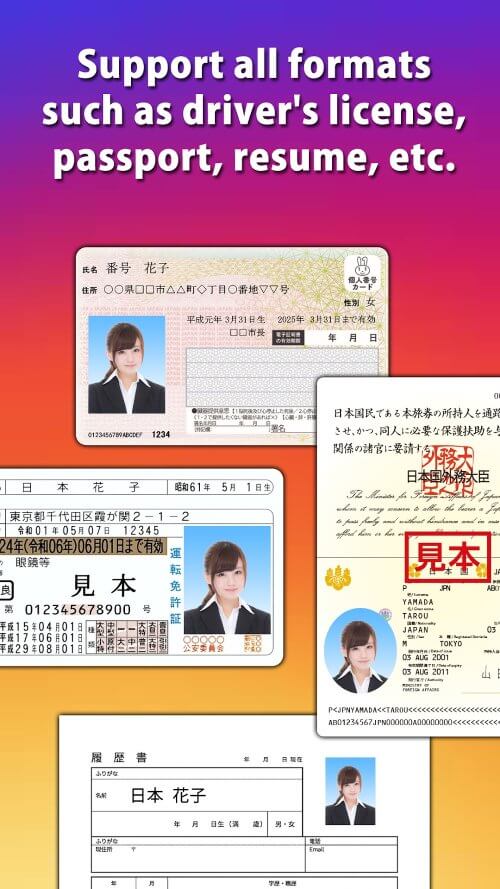
CUSTOMIZE SIZE
The app includes standard sizes, allowing you to use any typical frame. After evaluating the special standard styles required for specific documents, you will achieve an ideal size for your photo. This size will be specified for your upcoming photo session. You can also store images in various sizes, displayed in the upper left corner of the screen.
As this is your app, you can capture as many ID photos as desired. The app aims to provide the best user experience by offering exceptional features. If your document requirements differ from the predefined ones, you can create custom sizes. A sizing panel is available, allowing you to adjust the dimensions within that special feature.
UNIQUE PHOTO EDITING
Enhance your photos using the app's extensive collection of ID photo editing tools. You can remove any unwanted objects from the background or setting. If the facial angle needs adjustment, you can modify it for symmetry. Brighten your face in the corner photo by adding lipstick to your lips. The app also lets you alter the photo's color to make it more vibrant than the original.
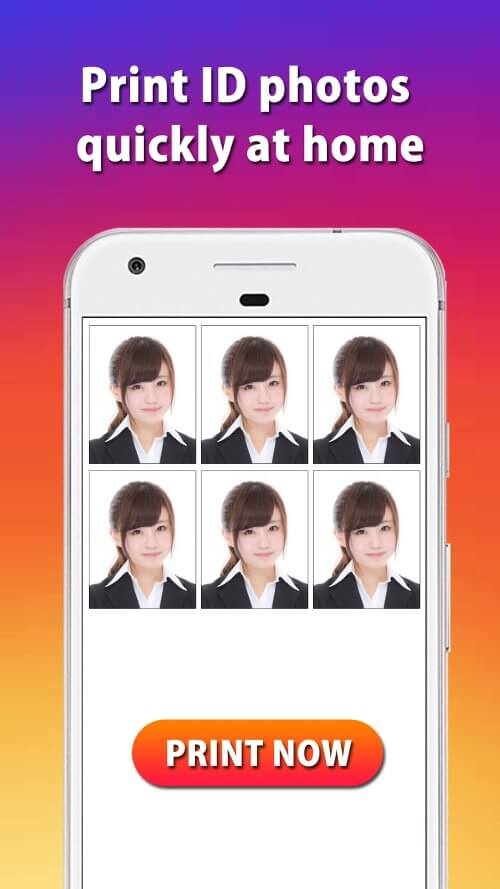
STORE IN MEMORY
Once you've captured a photo, you can save it to your device's memory or hard drive. The image will be stored in high definition, as preserving high image quality is crucial for a successful backup. You can print the picture in its original form or convert it into different formats. Additionally, the app allows you to transfer photos between devices or share them with others. If a security threat is detected on your device, the photo will be placed in a heightened security state.
Mod Features
App Information
| App Name | ID Photo |
| Package Name | com.peace.IdPhoto |
| Version | v8.10.0 |
| Last Updated | Mar 24, 2026, 07:12 PM |
| File Size | 18 MB |
| Publisher | Peace |
| Root Required | No |
Installation Guide
- 1. Download the APK file from the download button below.
- 2. If you have the original app installed, uninstall it first.
- 3. Go to Settings > Security and enable "Install from unknown sources".
- 4. Open the downloaded APK file and tap "Install".
- 5. Launch the app and enjoy all premium features for free.
Available Versions
Similar Apps You Might Like


