
Dumpster
Description
A trash app on your phone, like Dumpster, might initially seem like a fun novelty, but it can be incredibly useful in emergencies. If you accidentally delete a file while using your device, this app can help you recover it. Preserve those cherished memories with ease. Create a more enjoyable environment for your touch devices and savor life. Our goal is to provide convenience and simplicity every day.
 |
 |
DELETE AND STORE EVERYTHING YOU NEED
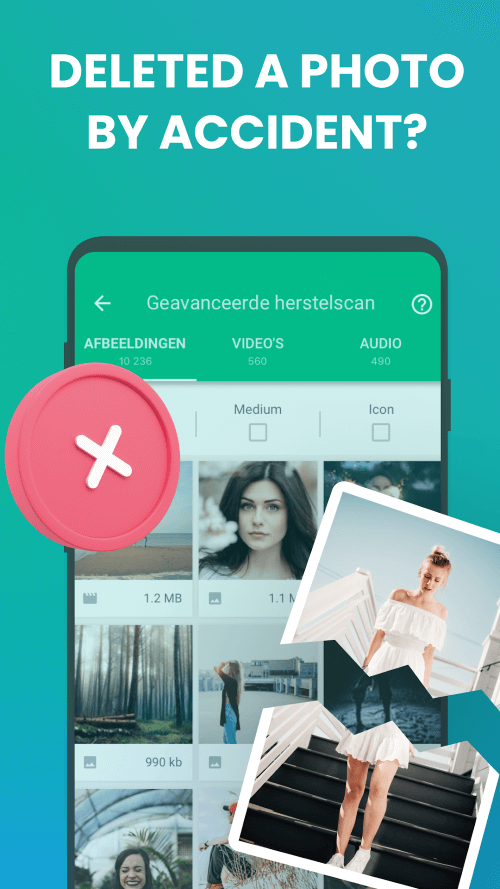
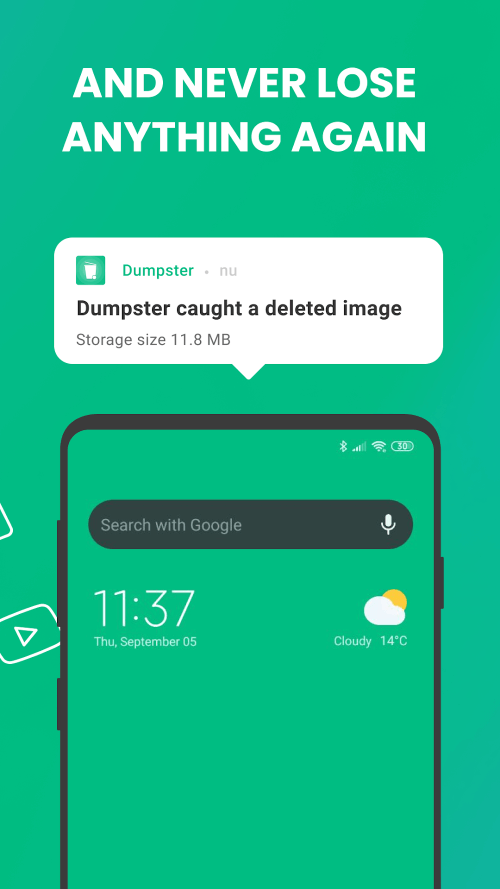
Accidentally deleting cherished photos can be frustrating, but Dumpster offers a simple and effective solution. Just launch the app and provide the necessary permissions. This app serves as a storage location for all your files. When you delete something, it makes a copy of the deleted item. Simply open the app, select what you want to recover, and press the restore button to save your desired files at any time.
RETRIEVE PHOTOS WITH EASE
Since photos are frequently saved or deleted, mistakes can happen easily. Dumpster ensures that everything you delete is saved. If you accidentally delete photos or videos, you can quickly restore them. Users can now organize their photo collections without worry, enjoying newfound freedom.
 |
 |
RECOVER ANY ACCIDENTALLY DELETED DATA
Memory purge allows you to recover accidentally deleted data, including photos and videos, in various formats like APK, ZIP, TXT, HTML, MP3, and MP4. These deleted documents are stored in their own folder in the archive. You can undo changes or permanently delete files. Additionally, the app can back up active settings before an upgrade. You have multiple options when using this feature. Moreover, sorting apps by deletion time makes searching easier.
FREE UP MEMORY
When your Android's memory becomes cluttered, Dumpster can quickly address the issue. By freeing up space, it performs a system scan, categorizing unnecessary files like those from ads or notifications into separate folders. Then, it deletes them, optimizing your device's performance. The amount of data your device can store increases significantly.
DISCOVER NEW FEATURES
Consider using Dumpster's auto-erase feature for situations where data recovery isn't needed, along with other unique features.
Mod Features
App Information
| App Name | Dumpster |
| Package Name | com.baloota.dumpster |
| Version | v3.35.428.eb7f |
| Last Updated | Mar 20, 2026, 12:26 AM |
| File Size | 22 MB |
| Publisher | Baloota |
| Root Required | No |
Installation Guide
- 1. Download the APK file from the download button below.
- 2. If you have the original app installed, uninstall it first.
- 3. Go to Settings > Security and enable "Install from unknown sources".
- 4. Open the downloaded APK file and tap "Install".
- 5. Launch the app and enjoy all premium features for free.
Available Versions
Similar Apps You Might Like


