
Calculator Plus
Description
This application is designed to facilitate performing numerous calculations with large numbers effortlessly. Additionally, the intelligent calculation tool aids users in executing simple math operations with ease. The modern interface and appealing features enhance usability and provide an engaging experience.
EFFORTLESS LARGE NUMBER CALCULATIONS
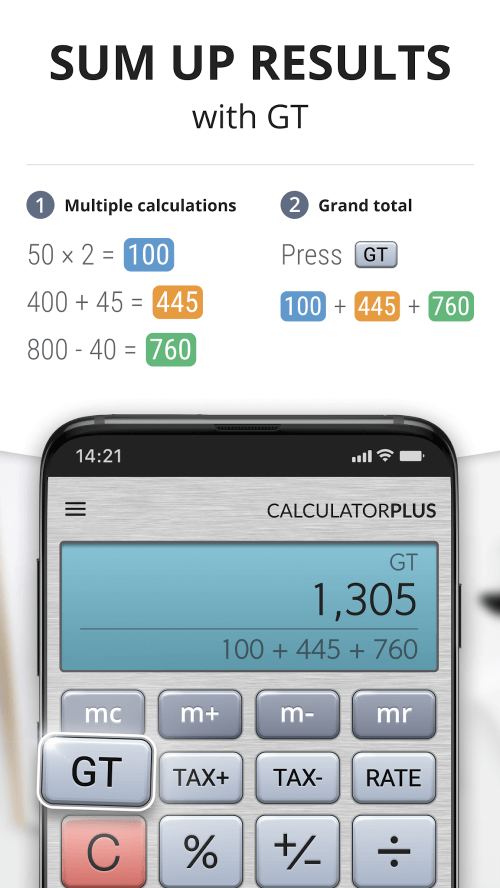
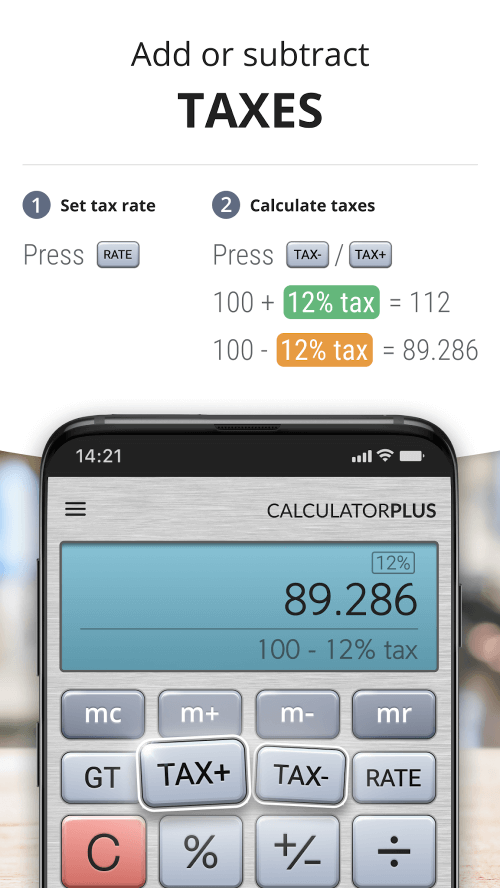
This advanced calculation tool is available on your Android device. Calculator Plus enhances your work and studies by enabling a wide range of calculations, including addition, subtraction, multiplication, and division with large numbers. Users can also undertake advanced math operations like square roots, squares, fractions, and more. Consequently, handling decimals and complex problems requiring sophisticated calculations becomes simpler, streamlining your tasks. Whether you're a student or someone frequently dealing with complex numbers in fields like accounting or engineering, this application is an excellent tool to support your efforts.
 |
 |
MODERN INTERFACE WITH EASY ADJUSTMENTS
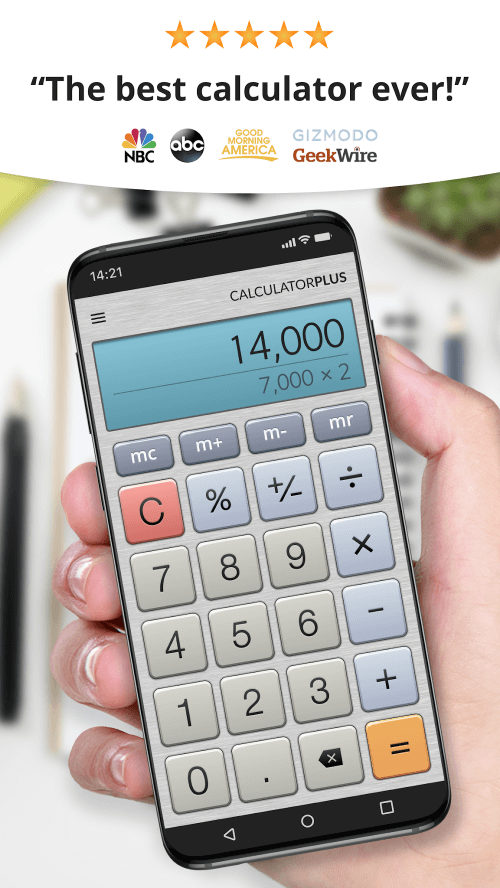
Calculator Plus features an elegant interface with a luxurious design that facilitates quick adaptation. At the top, a large screen displays detailed calculations and results in clear, large numbers. Below are keys for typing numbers and math operations like addition, subtraction, multiplication, and division, enabling swift access. Additional function keys include percentages, a button to clear all numbers on the screen, and more, allowing users to utilize any feature with a single touch. Finally, the prominently colored equal sign icon is essential for displaying the results of your calculations.
 |
 |
EASY REVIEW OF CALCULATION HISTORY
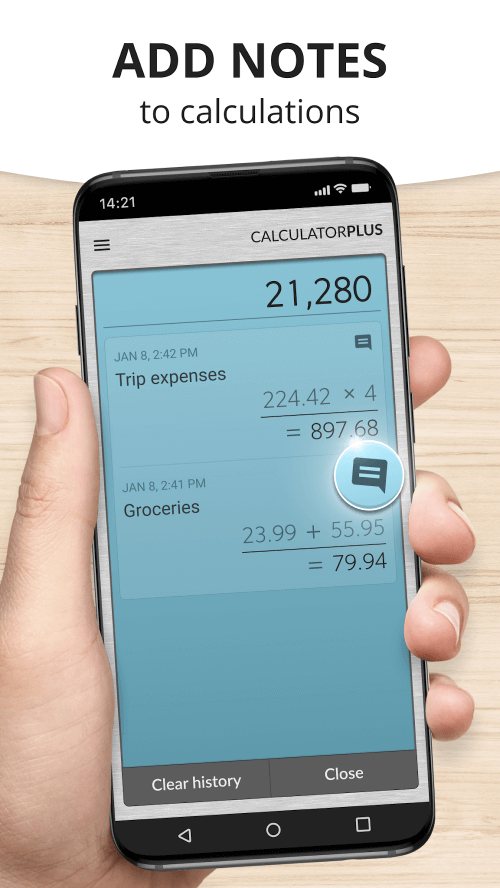
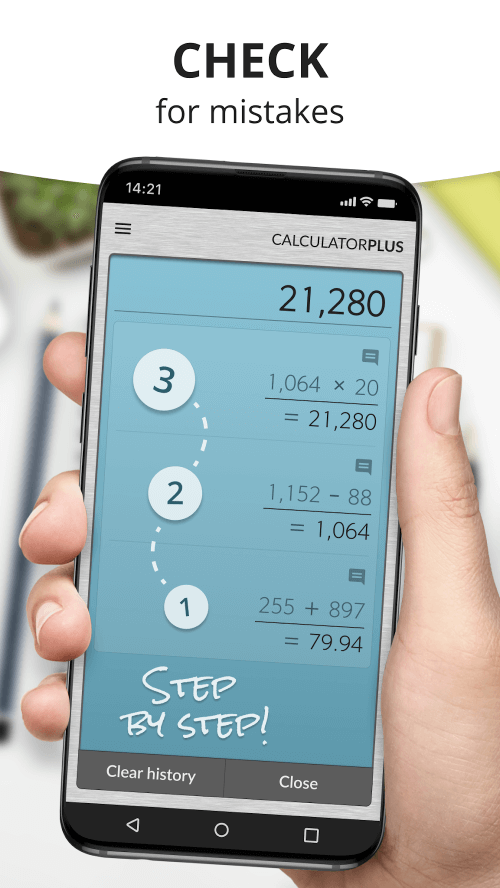
This application not only performs calculations intelligently but also offers a valuable feature to review calculation history. This function allows you to view your entire calculation process in detail, including all steps. Unlike regular calculators, which can't track your calculations once you proceed to the next, Calculator Plus's history view feature lets users easily revisit each number, operation, and previous result. This functionality makes the application a highly intelligent tool appreciated by all users.
|
|
 |
| App Name | Calculator Plus |
| Package Name | com.digitalchemy.calculator.decimal |
| Version | v8.1.10 |
| Last Updated | Apr 17, 2026, 10:38 PM |
| File Size | 8 MB |
| Publisher | Digitalchemy, LLC |
| Root Required | No |
Installation Guide
- 1. Download the APK file from the download button below.
- 2. If you have the original app installed, uninstall it first.
- 3. Go to Settings > Security and enable "Install from unknown sources".
- 4. Open the downloaded APK file and tap "Install".
- 5. Launch the app and enjoy all premium features for free.
Similar Apps You Might Like


